


Highlights
Laptop Storage Lockers: Secure Storage Between Charges

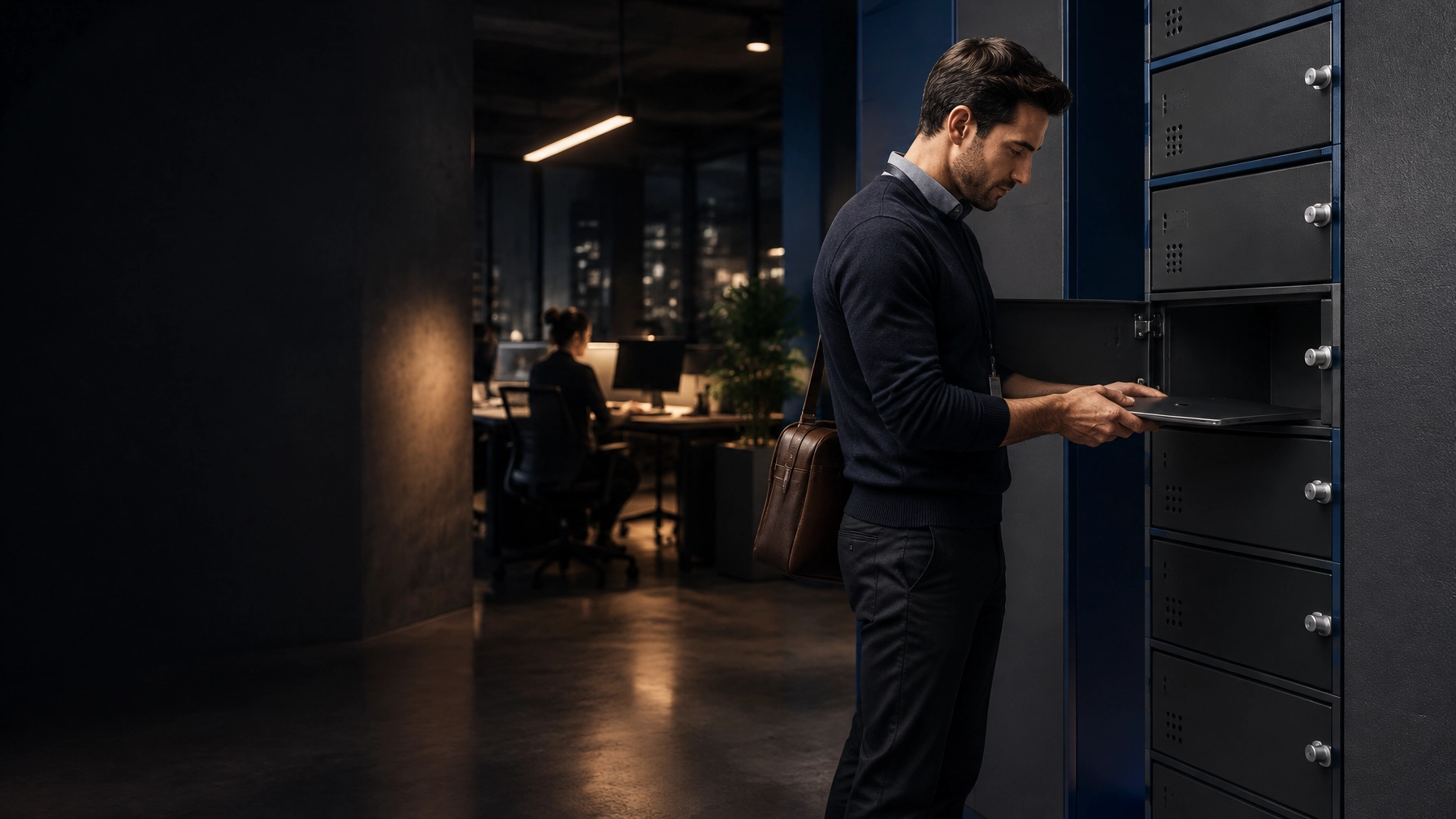
Laptop storage lockers give IT and facility teams a secure place for devices when they are not in use. If your priority is protecting laptops between work sessions, not keeping them charged around the clock, start with the storage workflow, access method and fit. Add power only where the routine requires it.
| Configuration | Use case | Doors | Power | Best for |
|---|---|---|---|---|
| Storage-only | Secure storage between sessions | Individual doors; count set to the project | Not required | End-of-day storage, visitors and exams |
| Charging-integrated | Secure storage with charging | Individual powered compartments | Included in the selected configuration | Devices that must recharge in storage |
| Shared-pool storage | Managed issue and return of fleet devices | Individual bays or an agreed shared layout | Optional | Hot-desking, staff fleets and event teams |
Laptop Storage Lockers: Secure Storage First
A storage-first locker gives each laptop a defined, lockable place between uses. It helps keep devices off desks and counters, supports clear handovers, and gives staff a practical way to organize a shared fleet. Choose the number of compartments around peak simultaneous use and decide who manages access.
Storage is not the same as charging. A standard storage-only configuration does not include power unless it is specifically specified. Loxmet’s published laptop locker range is charging-integrated. For a pure storage-only configuration, custom fabrication is the route. We state this plainly so you can specify the right product for the job.

When You Need Storage, and When You Need Charging
Choose storage-first when laptops are already charged, charging happens elsewhere, or the key requirement is controlling access between sessions. This is common for:
- Hot-desking offices: Secure devices at the end of the workday or between scheduled users.
- Schools and exam periods: Store staff or fleet laptops securely between sessions, with a clear return routine.
- Visitors and contractors: Provide controlled temporary storage before entry to a restricted or device-free area.
- Shared device pools: Give each laptop a known location for issue, return and inventory checks.
- Events and training rooms: Keep devices secure between sessions without leaving them unattended on desks.
Choose charging-integrated storage when devices need to recharge inside their compartments. Loxmet’s Charging Lockers range includes a 10-door laptop and tablet model. Its overall dimensions are 500 × 400 × 1,820 mm (width × depth × height). Each compartment has an electric socket; ask the team to confirm the exact power configuration for your devices and destination.
For charging-led shared-device guidance, read our tablet lockers article and Chromebook charging cabinet guide. They cover charging workflows and school fleets; this article focuses on secure storage between sessions.
Size Compartments for the Actual Laptop
Screen size is not the same as external device size. A laptop advertised as 14, 15.6 or 16 inches may have different width, depth and thickness depending on its model. Cases, feet, hinges and accessories also change the space required.
Before specifying a compartment, measure the largest laptop as it will be stored. Include its case and any accessories you plan to keep with it. Then confirm the usable internal dimensions and whether the device fits comfortably without pressure on the screen, ports or door.
Loxmet’s 10-door model publishes its overall cabinet dimensions, not the usable internal dimensions of each bay. Confirm compartment fit with our team before ordering. For a custom layout, share your device dimensions, number of laptops, available floor space and preferred access method.

Secure Access and Clear Handover
Individual lockable doors help separate devices and make storage easier to manage. The best lock depends on who uses the compartments:
- Assigned users: Key locks or an agreed individual access method can support regular use.
- Shared teams: Define who issues and returns devices, and how staff handle keys or codes.
- Visitors and contractors: Set a simple access and retrieval process, with responsibility assigned to site staff.
- Exam settings: Keep storage access under staff control during the session, in line with your institution’s policy.
Loxmet’s 10-door charging model has individually key-lockable compartments. Compatible options include mechanical combination, electronic combination and RFID locks; confirm availability for your chosen configuration. Compare the practical considerations in our guide to locker lock types.
A locker is one part of device security, not a replacement for IT controls. The UK National Cyber Security Centre advises users not to leave devices unattended in insecure locations and to lock them away where possible. Its end-user device advice also recommends reporting lost or stolen devices to the IT helpdesk promptly. For shared laptop fleets, the NCSC’s small organisations guide to protecting devices offers further device-access advice.
Loxmet Product and Production Options
Loxmet manufactures in Istanbul, Turkey, with more than 100 standard products and custom metal fabrication experience. The 10-door laptop and tablet model uses 0.6 mm DKP sheet before paint, a monoblock welded body and electrostatic powder coating. RAL colour options are available.
The published laptop locker range is charging-integrated as standard. If your specification calls for storage without built-in charging, contact us about custom fabrication. Share your device measurements, compartment count, site layout and lock preference for a practical quotation.
Standard catalogue products: Typically delivered within 10 working days in catalogue colours.
Custom colours and made-to-order products: Typically require approximately 10 additional working days.
Order quantity: Single-unit orders are accepted.
Warranty: 10 years.
Credentials: CE, ISO 9001:2015, ISO 10002:2018, ISO 14001:2015 and ISO 45001:2018.
If your project also involves phones or mixed device access, compare the separate phone lockers guide. HSE’s display screen equipment guidance covers workplace use of laptops and hot-desking; storage planning should sit alongside your workstation and work practices.

Buyer Questions
Are Loxmet laptop lockers storage-only?
Loxmet’s published laptop locker range is charging-integrated. For pure storage without charging, custom fabrication is the route. Share your requirements with the team for confirmation.
Do I need charging in every compartment?
No. Specify charging only if devices need to recharge while stored. If charging is not part of your workflow, ask about a custom storage-only configuration instead.
Will a 16-inch laptop fit?
Do not decide by screen size alone. Measure the laptop’s external dimensions, including its case, and confirm usable internal compartment dimensions before ordering.
How many compartments should I specify?
Plan for the number of devices that need secure storage at the same time. Include peak periods, such as exam sessions, shift handovers or event breaks.
Which lock should I choose for a shared device pool?
Choose an access method your staff can manage consistently. Consider who issues credentials, handles lost keys or forgotten codes, and controls exceptional access. Confirm lock availability for the selected configuration.
Can Loxmet make a custom storage layout?
Yes. Custom fabrication can address special dimensions and project configurations. Provide device measurements, capacity, available space and access requirements so the team can review the specification.
What is the standard lead time?
Catalogue products in catalogue colours typically require 10 working days. Custom colours and made-to-order products typically require approximately 10 additional working days. Confirm the timing for your order.
Specify device fit, compartment count and access routine first. Then decide whether your team needs storage-only or charging-integrated storage. Contact Loxmet to compare options and request support for your laptop storage project.