


Highlights
Chromebook Charging Locker Buying Guide

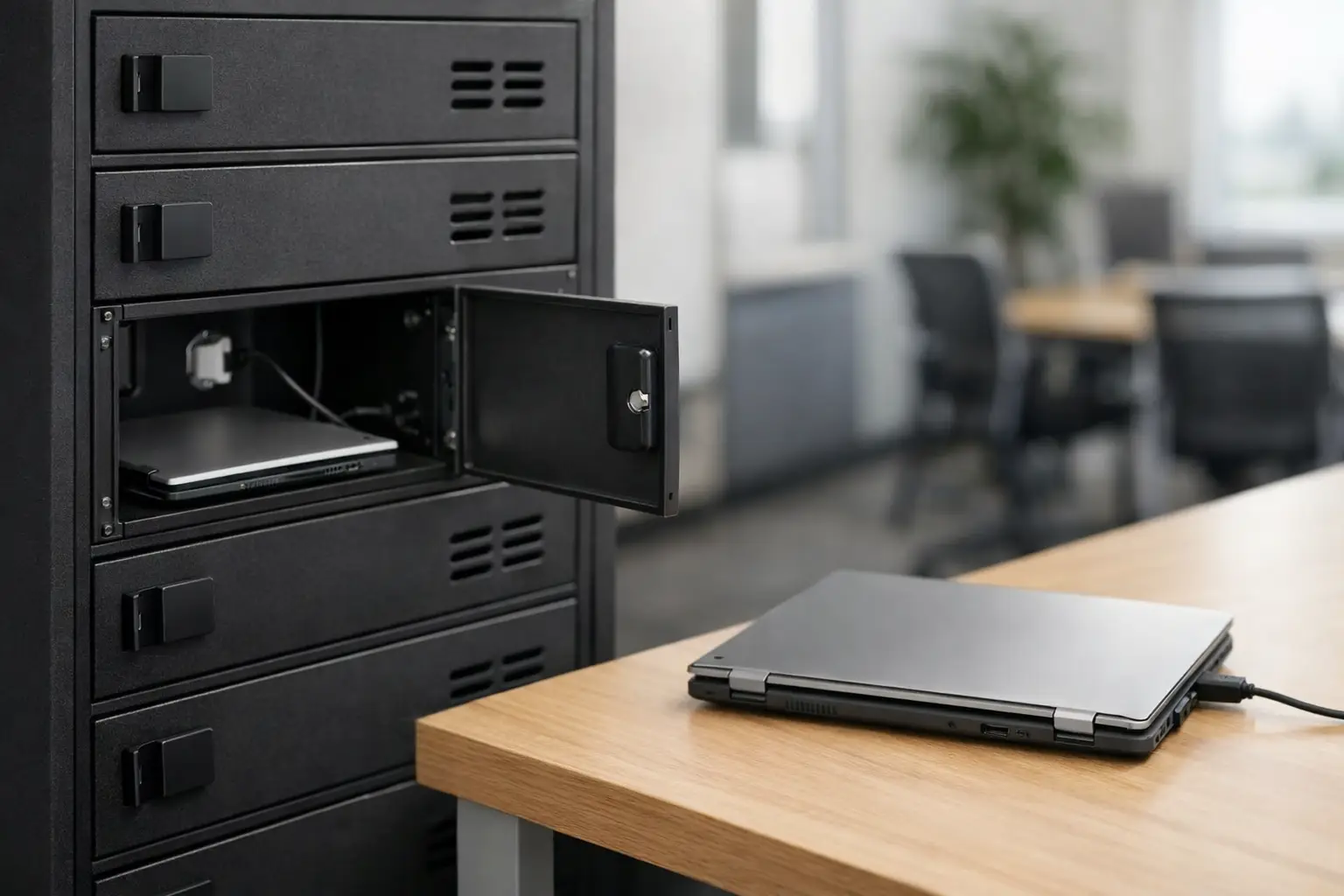
A chromebook charging locker solves a very specific operational problem: too many devices, not enough outlets, and no safe place to store equipment between shifts, classes, or daily use. For schools, training centers, offices, and shared work environments, the right locker is not just about charging. It is about control, uptime, security, and reducing the daily friction that comes with managing mobile devices at scale.
Why a chromebook charging locker matters
Chromebooks are built for shared, high-frequency use. That makes them practical, but it also creates pressure on storage systems. Devices move between users, chargers get mixed up, batteries run low, and unsecured storage increases the chance of damage or loss. A standard cabinet can hide devices away, but it does not necessarily support charging, airflow, cable organization, or easy inventory handling.
A purpose-built chromebook charging locker brings those functions together. Devices can be stored securely while charging in a controlled space. Teams can assign compartments, manage access, and keep charging equipment organized. In environments where dozens of devices are in circulation every day, that structure matters.
The value is even clearer when downtime has a cost. In a classroom, a dead battery interrupts learning. In a workplace, it slows communication and task completion. In a training room, it creates delays that affect schedules and staff time. A charging locker reduces those avoidable disruptions.
What buyers should look for in a chromebook charging locker
The first decision is capacity. That sounds simple, but it usually gets underestimated. If you need storage for 20 Chromebooks today, it is worth asking whether the real requirement is 24 or 30 within the next year. Buying exactly to current demand can create pressure quickly, especially in growing schools or shared office environments.
Compartment size also matters. Not every Chromebook has the same footprint, and protective cases can change the space requirement. A locker that fits bare devices may become impractical once users add sleeves, cases, or asset tags. Buyers should check internal dimensions, door clearance, and charging space, not just overall unit width and height.
Security is the next priority. A chromebook charging locker should provide controlled access with durable doors, reliable locking options, and a construction standard suited to repeated daily use. Thin materials and light-duty hinges may reduce cost at the start, but they often create maintenance issues later. For institutional and commercial buyers, the locker should be built for years of opening, closing, loading, and occasional rough handling.
Airflow is often overlooked until heat becomes a problem. Charging multiple devices in a confined metal enclosure generates heat, and poor ventilation can affect device condition over time. Good airflow design supports safer charging conditions and helps preserve equipment. That does not mean every project needs the same ventilation level, but it does mean enclosed charging should never be treated like ordinary static storage.
Cable management is another practical issue that has a direct effect on labor. If cords tangle, fall into compartments, or disconnect easily, staff spend time fixing small problems every day. A well-designed locker keeps adapters positioned properly and cables routed in a way that supports fast return and retrieval of each device.
Charging locker design choices that affect daily use
The best locker on paper can still become inefficient if the layout does not match the workflow. That is why door format, access style, and charging arrangement deserve attention early in the buying process.
Individual compartment lockers are useful when each user or device needs a dedicated location. This setup works well for schools assigning devices by student or for workplaces where departments use separate units. It adds accountability because each Chromebook has a defined storage point.
Larger shared charging compartments can make sense when devices are issued from a central pool. This approach may improve flexibility, but it can also reduce traceability if there is no asset management process in place. The right choice depends on whether the operation values individual assignment or pooled access.
Door visibility is another trade-off. Solid metal doors offer privacy and a more secure appearance. Perforated or ventilated designs can support airflow and quick visual checks. The decision depends on the environment, the level of supervision, and whether buyers prioritize concealment or operational visibility.
Locking options should match the access model. Simple keyed systems may be sufficient in controlled spaces. Centralized access can help staff manage larger groups of devices more efficiently. In higher-traffic settings, buyers may want a lock format that supports easier administration and fewer lost-key disruptions. There is no single best option for every site. The right one depends on who needs access and how often.
Where chromebook charging lockers are used
Schools are the most obvious fit, but they are not the only one. A chromebook charging locker also works well in corporate training rooms, libraries, testing centers, coworking environments, and administrative offices with shared mobile equipment.
In education, lockers help IT teams and administrators maintain order across one-to-one and shared device programs. Devices can be collected, charged, and secured without leaving carts or open shelves in circulation areas. For classrooms with limited storage, a vertical locker format can also improve floor use.
In workplaces, a charging locker helps control company-owned devices used across shifts, teams, or temporary workstations. That is especially useful in reception areas, meeting facilities, training spaces, and flexible office layouts where mobile computing is shared rather than permanently assigned.
Public-facing or mixed-access spaces may need stronger emphasis on lock control, anti-tamper construction, and supervised placement. Back-office environments may prioritize capacity and speed of access instead. The application changes the details, but the core need remains the same: secure charging with efficient storage.
Material quality and manufacturing standards
For commercial buyers, material quality is where long-term value becomes visible. A chromebook charging locker should be built from metal suitable for repeated institutional or workplace use. Door alignment, weld quality, coating durability, and hinge strength all affect service life.
This is where manufacturing capability matters more than marketing language. Buyers should consider whether the supplier can provide consistent production quality, custom sizing if needed, and reliable lead times for repeat orders. In project environments, standard products are useful, but customization often becomes necessary because available wall space, device dimensions, and installation conditions vary from site to site.
A dependable manufacturer can support both needs. Standard locker configurations help speed up procurement. Custom production helps solve unusual layouts or specific operational requirements. That flexibility is useful for distributors, contractors, and institutional buyers managing different end-user needs across multiple projects.
Common mistakes when specifying a chromebook charging locker
One common mistake is focusing only on device count. Capacity matters, but so do charger size, heat buildup, cable routing, and the way users interact with the locker every day. A unit that technically holds the devices may still be inefficient in practice.
Another mistake is ignoring future change. Chromebook programs evolve. Device models change. User volumes shift. Lockers should not be specified so tightly that a minor operational change makes the installation obsolete.
Some buyers also treat charging lockers as generic furniture. They are not. They sit at the intersection of storage, device management, and facility operations. That means build quality and layout should be assessed with the same care given to other long-life equipment.
Finally, buyers sometimes choose an access method without thinking through administration. If keys, compartments, or assignments are difficult to manage, the locker creates new work instead of reducing it. Good specification starts with understanding how the unit will be used after delivery, not just how it looks on a quote sheet.
How to choose the right supplier
A good supplier should be able to answer practical questions clearly. Can the locker be configured for your device size? Is the metal construction suitable for high-traffic use? What ventilation and cable management features are included? Can the design be adjusted for project requirements? What is the lead time for standard and custom models?
For international buyers, consistency is as important as specification. Supply reliability, packaging quality, production flexibility, and warranty support all affect the total purchasing decision. Loxmet approaches this category as a manufacturer, which is often an advantage for buyers who need more than a one-size-fits-all product. The ability to combine standard production with custom metal fabrication can simplify procurement for schools, distributors, and commercial projects.
A chromebook charging locker should make device management easier from day one and remain reliable under daily use. If it does that, it is not just storage. It becomes part of the operating system behind a more organized, more dependable facility.